
How to create a report summarizing historical income
Through Blueleaf's custom reporting feature, you can create a report that shows the total dividends and interest paid during the reporting period.
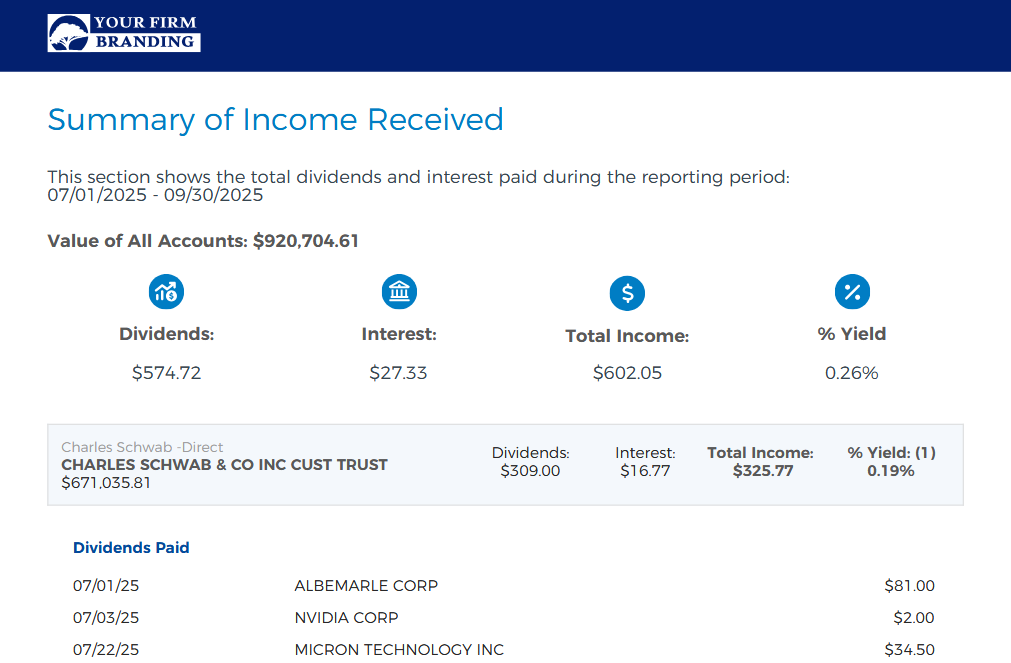
Note: "% Yield" shown on the report is an annualized measure of total income as a percentage of total account value
-
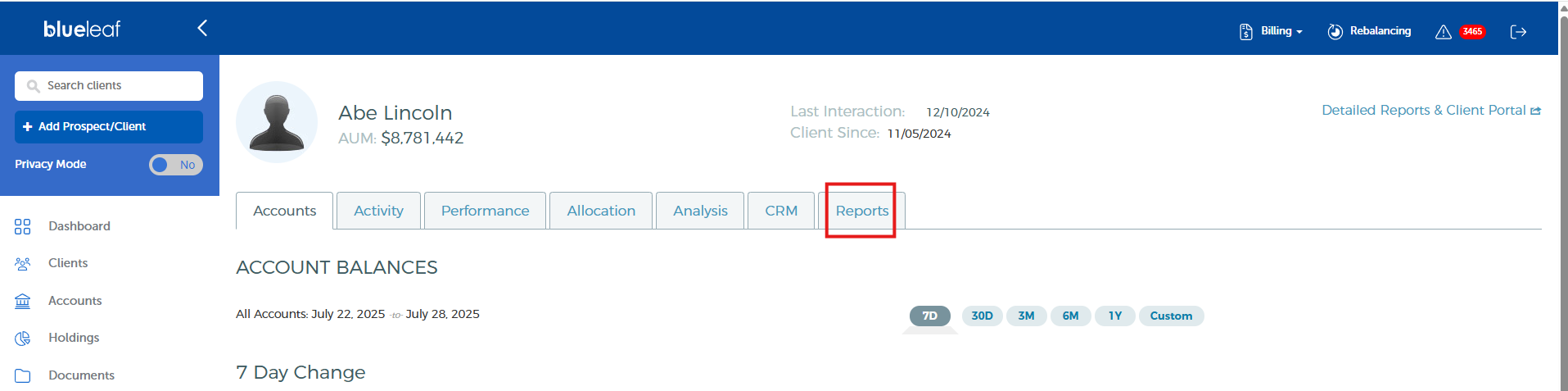
Start by searching for a household, then click on the Reports tab.
-
If you haven't created a report template before, you can start from scratch by selecting "create new template". If you have an existing report template, you can select it here and modify it.

-
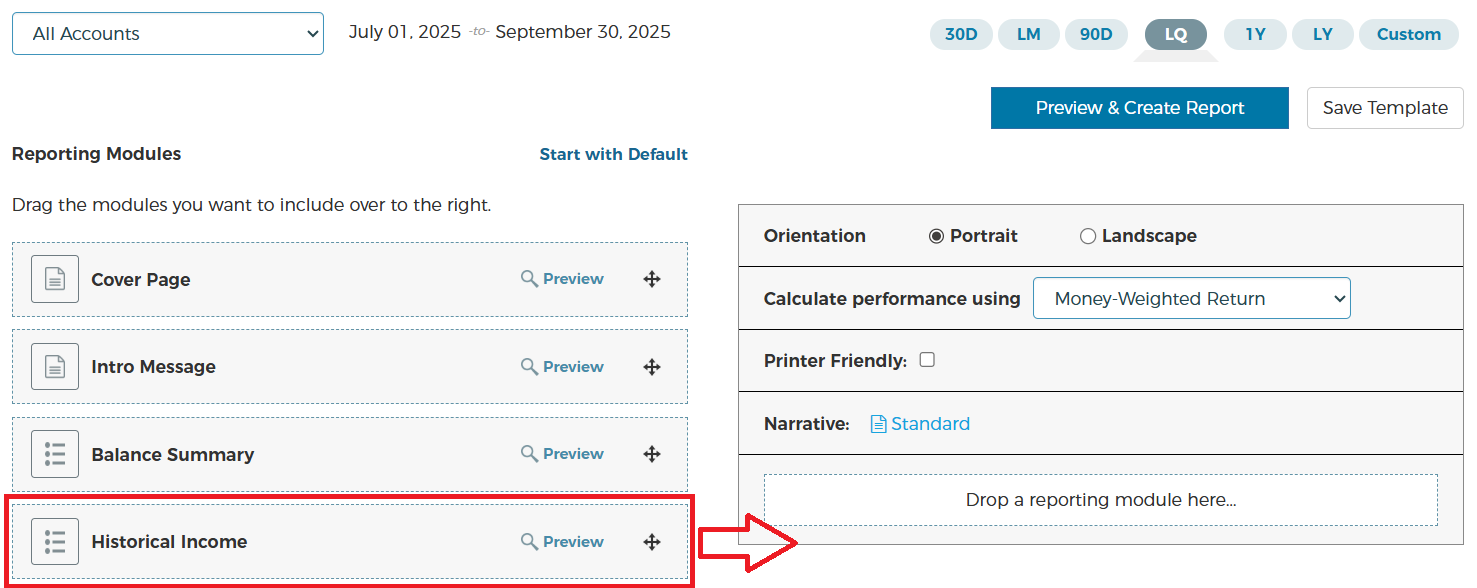
Add the "Historical Income" report module. You can also drag and drop other report modules as you see fit.
-
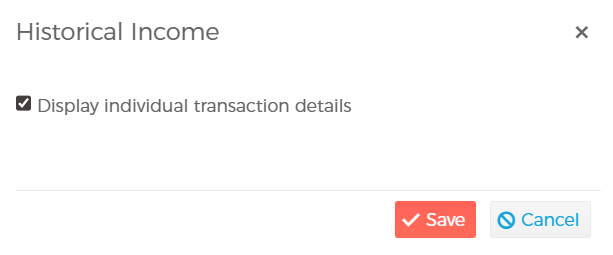
Clicking "display options" gives you a choice to include or exclude individual transaction details in the report.

-
Lastly, you can save the report template for later use by clicking "save template". To generate the report, click "preview & create report".


It's also easy to generate this report across multiple clients, instead of a single client. Below are some articles to help you get started: