
Blueleaf Billing: Staggered Quarterly Billing
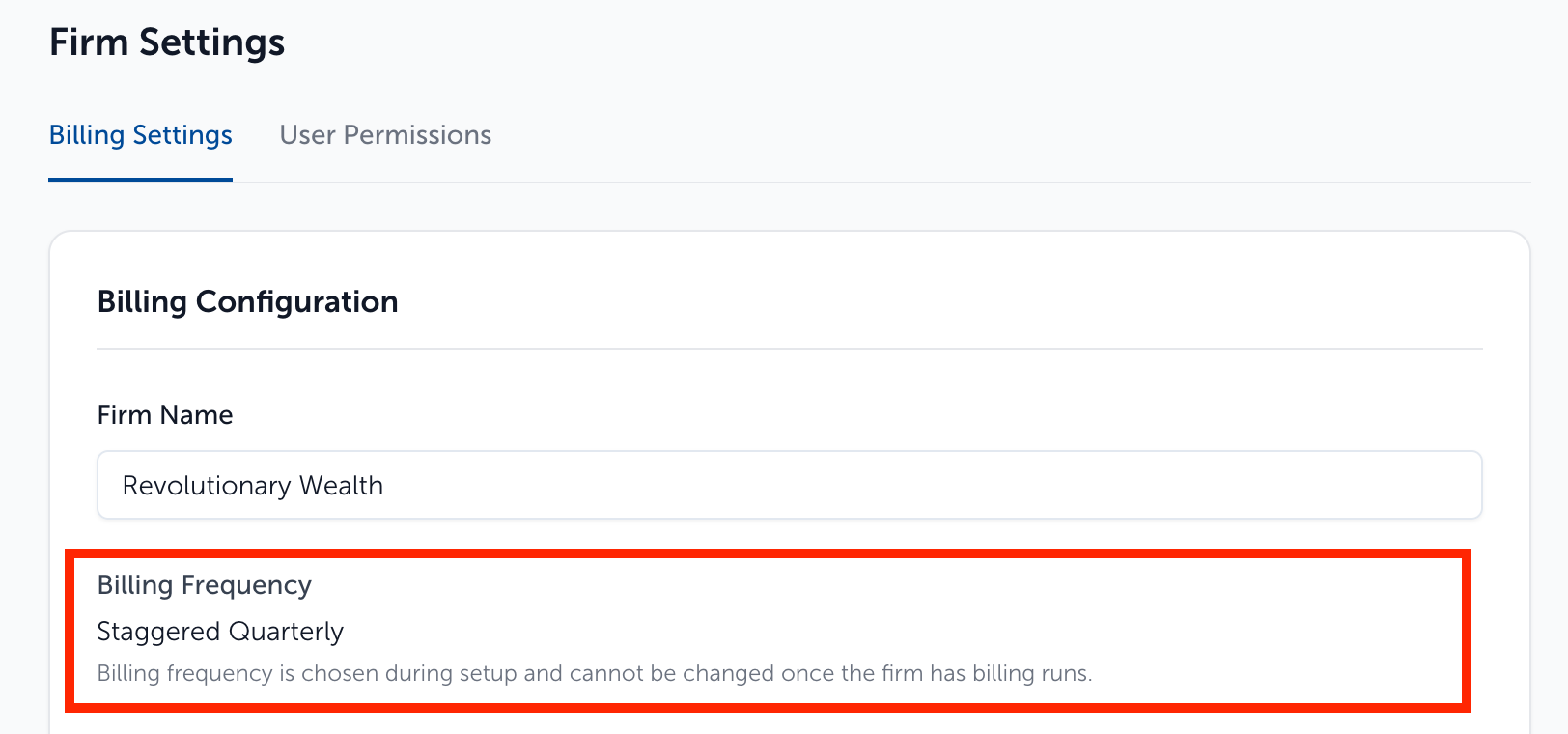
For firms setup on the billing frequency: "Staggered Quarterly" only - you can adjust the client-level setting for frequency using the steps outlined below.
Setting up individual clients:
- Go to Clients & Accounts page, and select client you wish to change the settings for from the list on the left-side of the screen
- Choose the staggered quarter frequency preference for the client with the "Quarter Cohort" drop-down menu
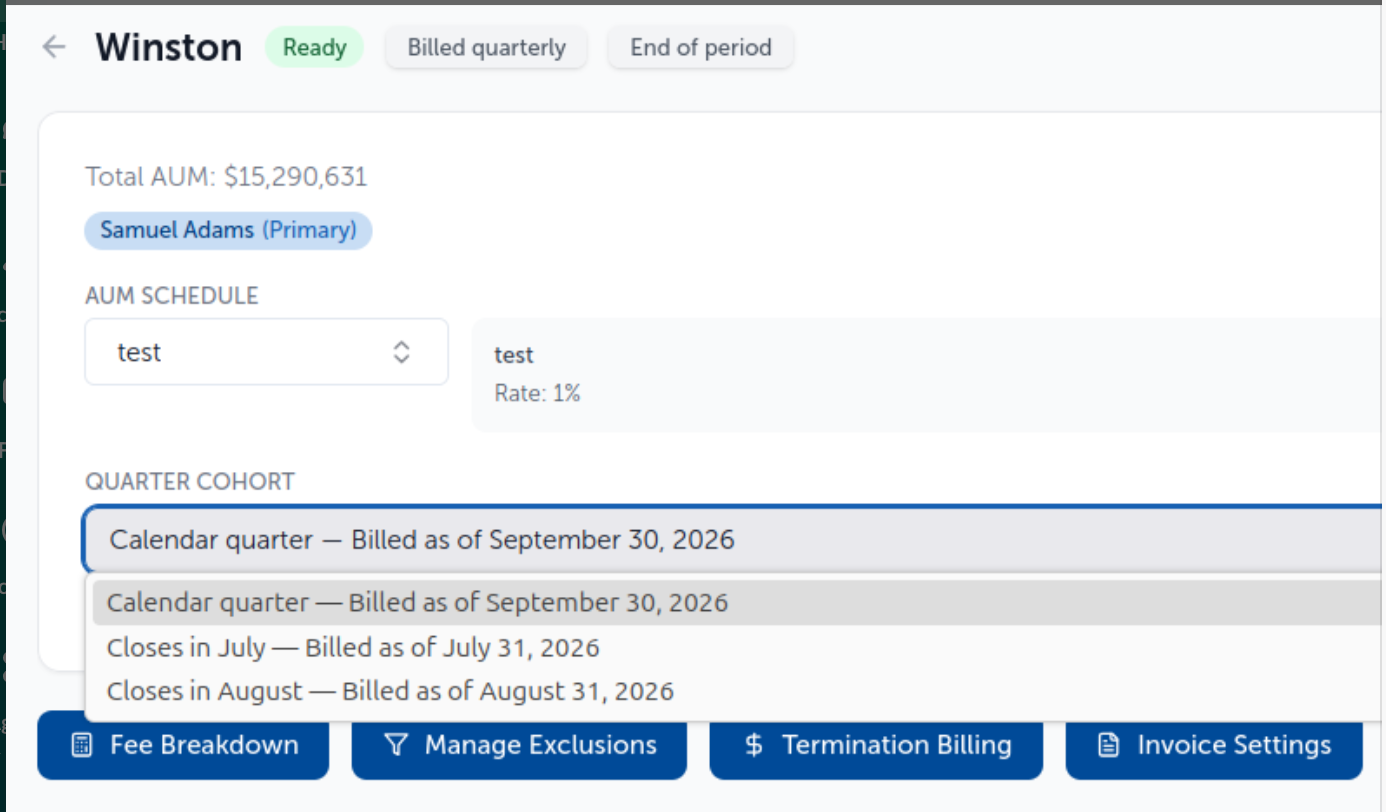
- Once selected that setting is saved automatically
Setting up clients in bulk:
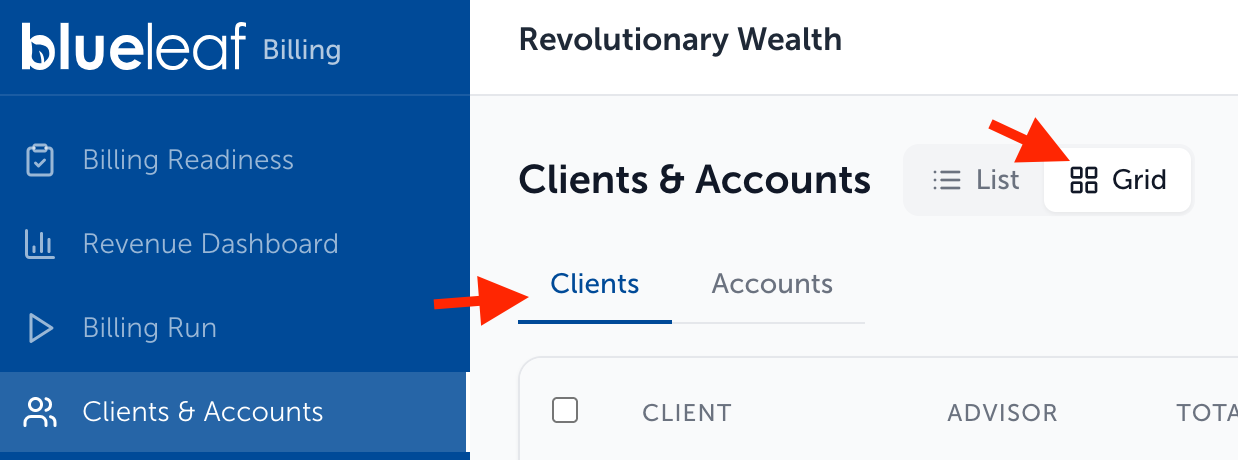
- Go to Clients & Accounts page, and select "Grid View". Make sure that you are viewing the "Clients" tab
- Select the clients you wish to include to make the client overrides using the checkboxes on the left-hand side of the grid view. The checkbox to the left of the headers selects all clients
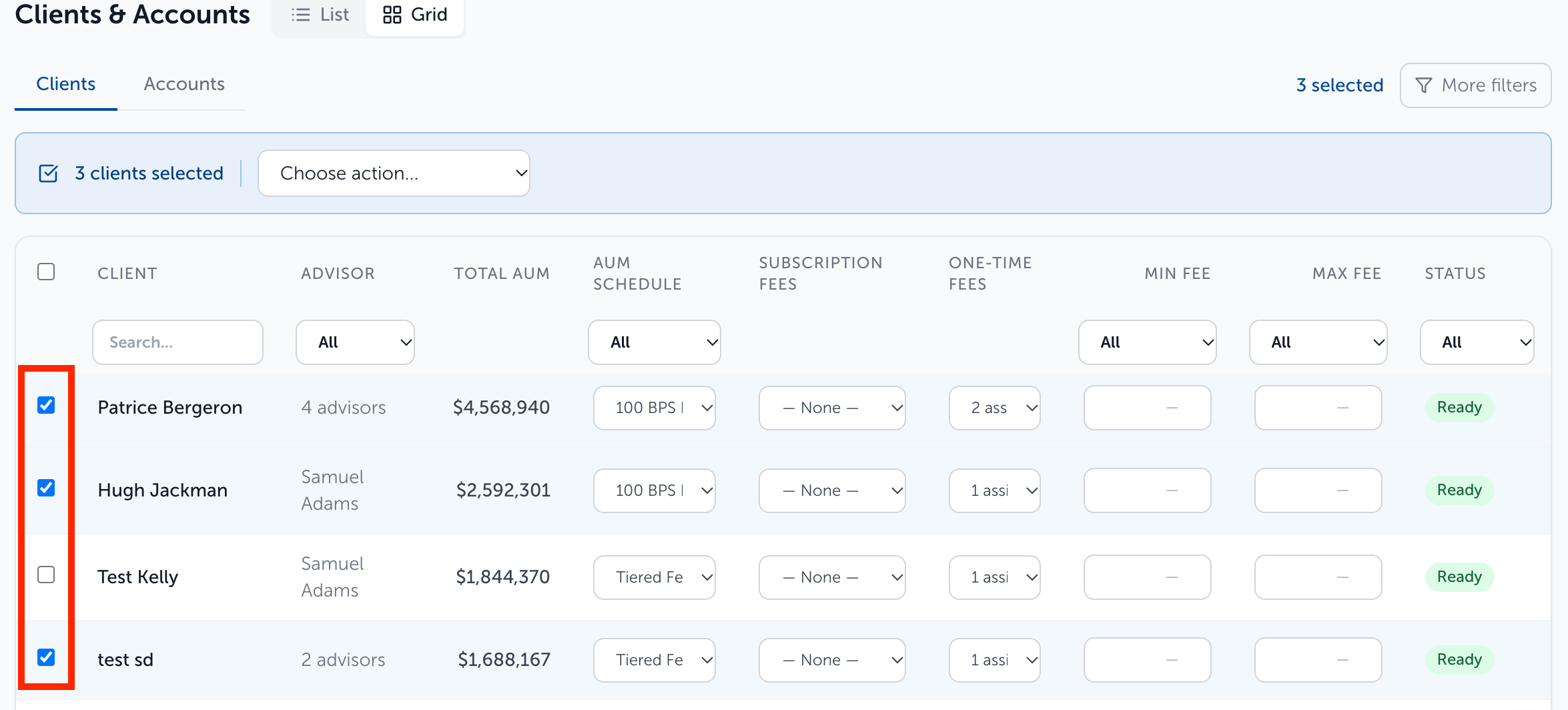
- After selecting the clients to include, choose "Set Quarter Cohort" from the drop-down action list
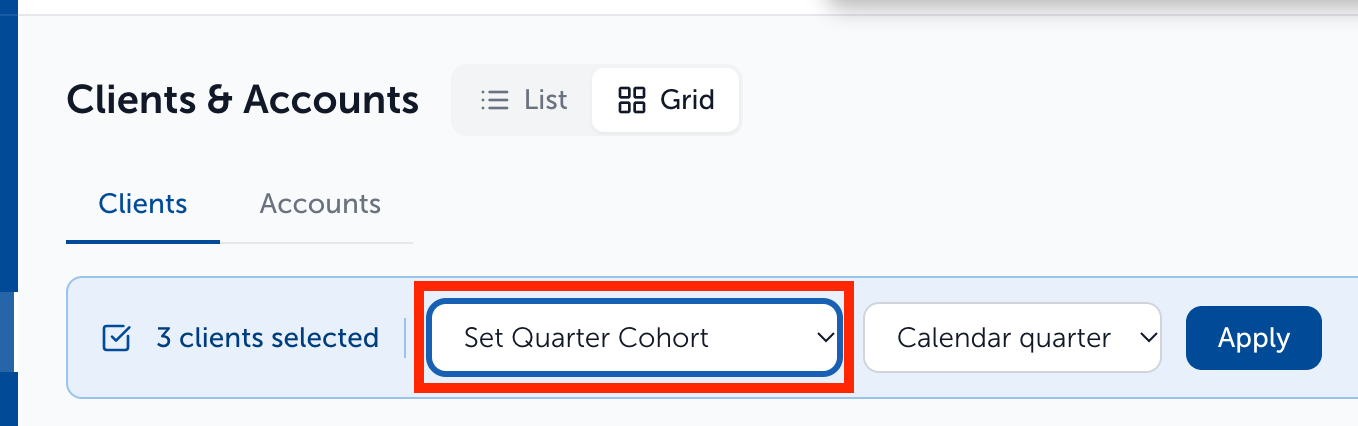
- Choose the desired change from the drop-down menu that appears after selecting the option from step 3
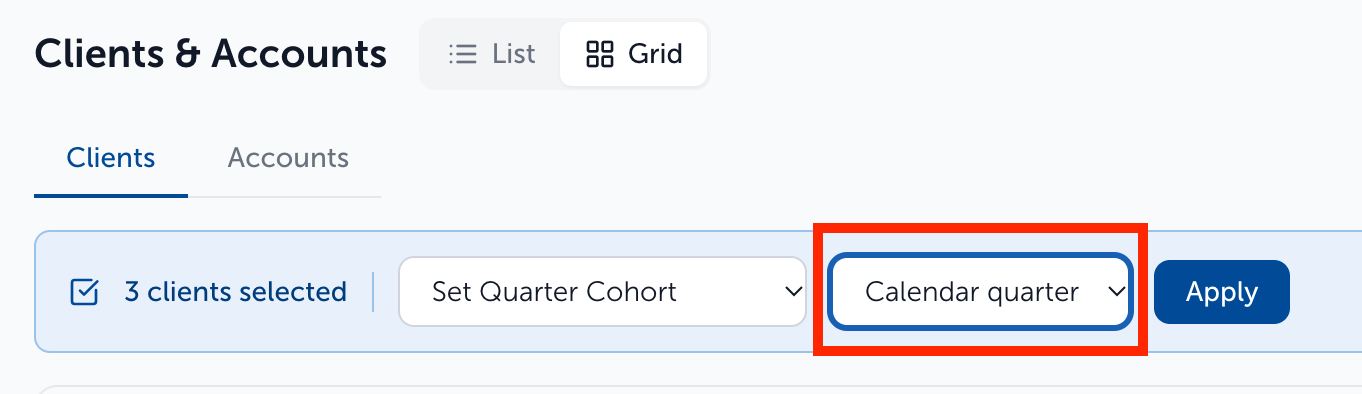
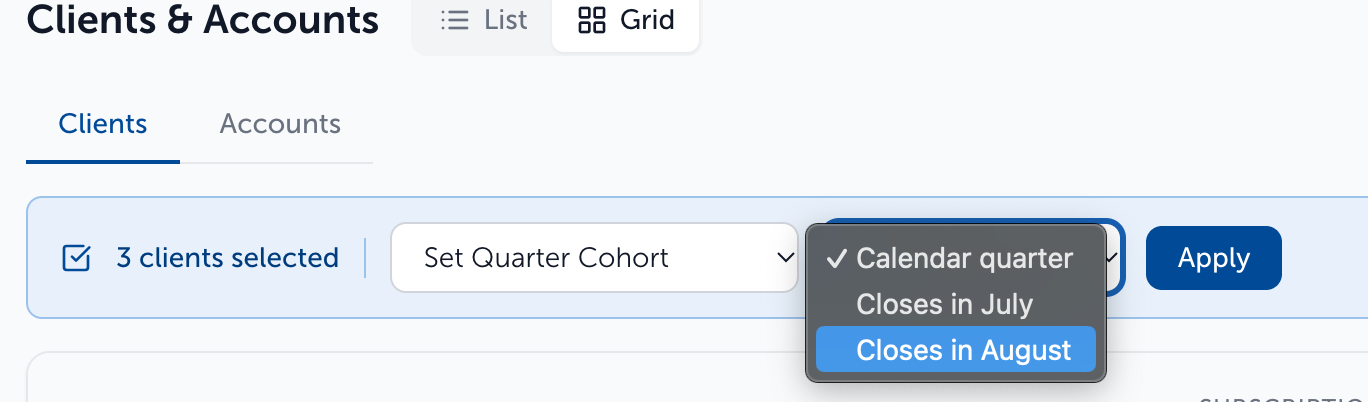
- Click "Apply" to save changes

Need help? Email vipsupport@blueleaf.com with any billing questions, feedback, or issues