
How to enable Client Manually Entered Holdings (Accounts) for entire firm (firm admin only)
Turning Client Manually Entered Holdings (Accounts) feature on:
Navigate to the Manual Accounts page (https://secure.blueleaf.com/advisor/manual_holdings), and then click on the "Settings" button which should be visible to the firm admin.
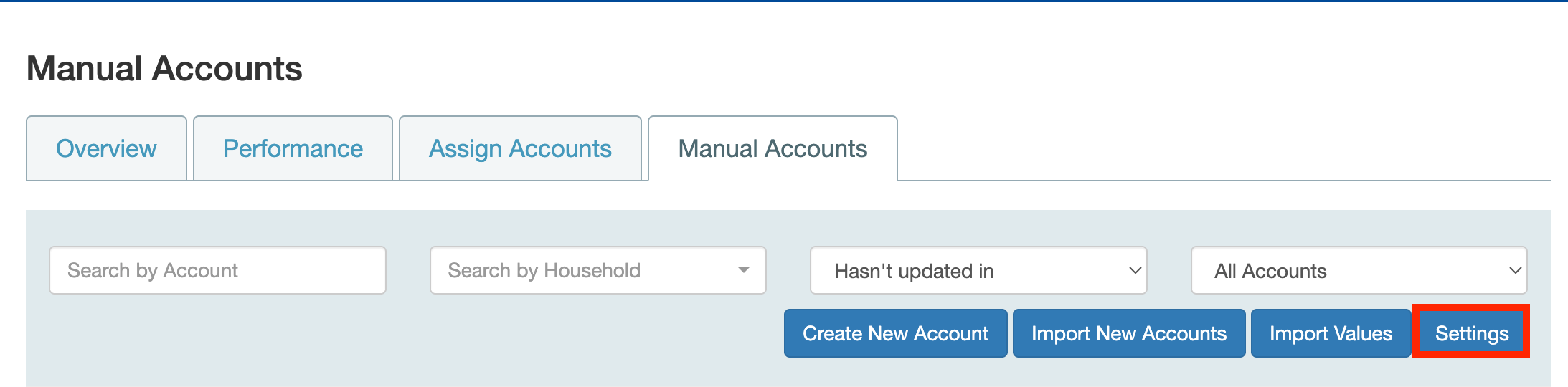
This allows the firm admin to enable the feature for all clients in their firm. This feature is off by default for new/existing firms:
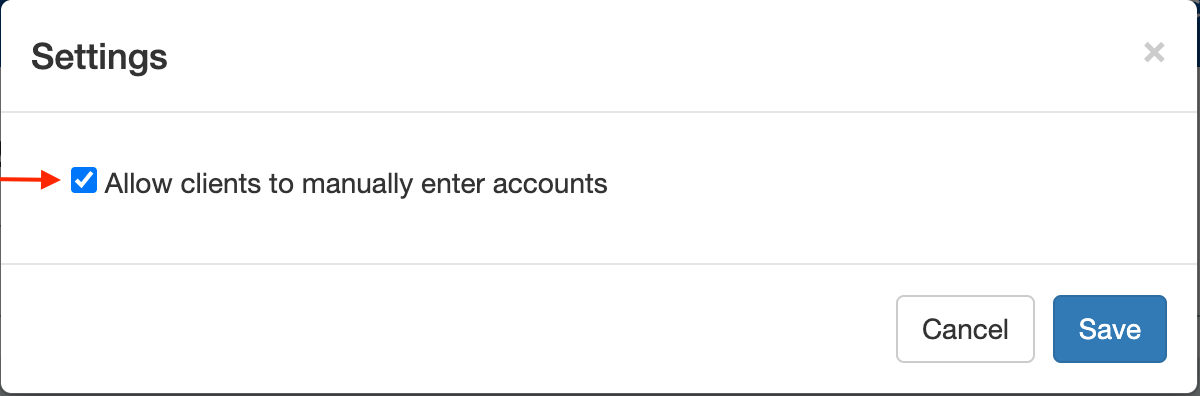
When this setting is enabled, clients only have the ability to edit the manual accounts that they add, so they cannot edit any advisor added manual holdings (accounts).
As always, please reach out to your Blueleaf VIP Support team at vipsupport@blueleaf.com with any additional questions you may have!